IPhone IOS 26.3 Update: Hidden Privacy Tools And Android Switch Surprise
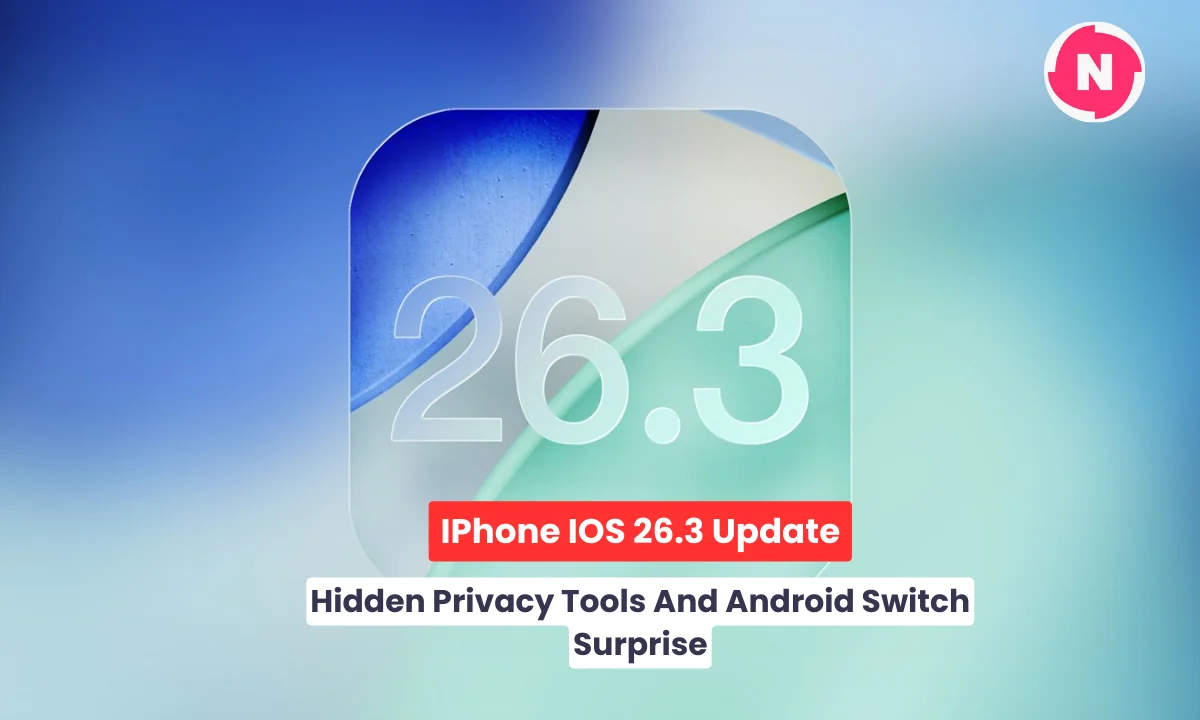
IPhone IOS 26.3 Update: Hidden Privacy Tools And Android Switch Surprise
The iPhone iOS 26.3 update is now officially rolling out worldwide and it is far more important than it first appears. Apple released iOS 26.3 on February 11, 2026, and while it is not packed with flashy visual upgrades, it delivers critical security fixes, deeper privacy controls, and a surprising new cross platform migration tool that changes how users can leave the Apple ecosystem.
This is the first major point update of 2026 for iOS 26. It builds on the Liquid Glass redesign and Apple Intelligence foundation introduced in September 2025. If you own an iPhone 11 or later, this update is available right now and Apple strongly recommends installing it immediately due to high priority security patches, including one vulnerability that was actively exploited in the wild.
This is not an optional update. It is a must install release.
Key Takeaways
- iOS 26.3 was released on February 11, 2026 for iPhone 11 and later
- Apple patched roughly 35 to 39 vulnerabilities including an actively exploited flaw
- CVE 2026 20700 linked to a dyld memory corruption issue was reportedly used in targeted attacks
- New built in Transfer To Android tool reduces ecosystem lock in friction
- New option to limit precise location from cellular networks on supported modems
- Apple Music offline lyrics improvements and recommendation tweaks
- Notification forwarding for third party wearables in select EU regions
- Early user feedback highlights stability gains and smoother performance
A Security Focused Update You Should Not Ignore
While many early headlines described iOS 26.3 as a polish release, the real headline is security.
Apple fixed between 35 and 39 vulnerabilities across core system components. These include WebKit flaws that could allow malicious websites to execute code, kernel level memory issues, state management bugs, and a dyld memory corruption vulnerability tracked as CVE 2026 20700. According to Apple’s official security notes, at least one of these issues was actively exploited in real world attacks.
That changes everything.
An actively exploited vulnerability means attackers were already using it before the fix was released. Security researchers have suggested the flaw could be tied to spyware style exploitation chains. Even if you never notice a difference visually, installing iOS 26.3 closes that door immediately.
Here is a clearer breakdown:
| Area Affected | Type Of Issue | Real World Risk |
|---|---|---|
| WebKit | Remote code execution | Malicious website takeover |
| Kernel | Memory corruption | Deep system level compromise |
| dyld | Exploited vulnerability | Potential spyware vector |
| Privacy components | Data exposure flaws | Unauthorized data access |
If you skipped recent minor updates, do not skip this one. Security alone makes it essential.
Transfer To Android Tool Signals A Bigger Shift
The most surprising addition in iOS 26.3 is a built in Transfer To Android tool.
For years, Apple offered the Move To iOS app on Android to help users switch to iPhone. Now the company has reversed direction and made switching away easier too.
You can find the new tool here:
Settings → General → Transfer Or Reset iPhone → Transfer To Android
How It Works Step By Step
- Update your iPhone to iOS 26.3
- Ensure the Android device is running the supported Canary build required for direct transfer
- Place both devices next to each other
- Turn on Wi Fi and Bluetooth on both devices
- Select Transfer To Android on the iPhone
- Follow the on screen pairing and authentication process
- Choose what data to migrate
What Transfers
- Photos and videos
- Messages
- Contacts
- Calendar events
- Installed app list
- Phone number and SIM details
What Does Not Transfer
- Health data
- Paired Bluetooth accessories
- Saved passwords outside supported frameworks
- Locked notes
Compared to third party tools, this native method is more secure and tightly integrated. It also signals a broader industry shift. Apple appears more confident in its ecosystem strength and less reliant on lock in tactics.
Early reactions on X call it long overdue. Many users praise the transparency and flexibility. Even users who are not planning to switch appreciate having the option.
New Carrier Based Location Control For Stronger Privacy
Another major addition focuses on carrier level tracking.
iOS 26.3 introduces a new option to limit precise location sharing from cellular networks. This is separate from app based location permissions and targets how carriers can determine device level precision.
To enable it:
Settings → Cellular → Cellular Data Options → Limit Precise Location
Important details:
- Works only on newer Apple C1 and C1X modem equipped devices
- Currently supported by select carriers including Boost Mobile in the US, EE in the UK, Telekom in Germany, and AIS or True in Thailand
- Additional carriers expected to join
Why this matters: Even if you disable app tracking, cellular triangulation can still determine your approximate position. This feature reduces that precision, adding another privacy safeguard.
In 2026, privacy is no longer just about apps. It is about infrastructure level controls.
Wallpaper Refresh And Interface Polish
iOS 26.3 also refreshes wallpaper organization.
Weather and dynamic wallpapers are now categorized more clearly. Setup is simpler and previews are smoother. The Liquid Glass design language introduced in iOS 26 continues to feel more refined with subtle animation tuning and interface smoothing.
To try new wallpapers:
- Long press on the Lock Screen
- Tap Customize
- Browse updated Weather and Dynamic categories
- Preview and apply
These are not dramatic changes, but polish improves daily usability.
Apple Music And RCS Enhancements
The Music app receives meaningful refinements.
Users now benefit from improved offline lyrics handling, better organization inside Favorite Songs, and smarter Top Picks integration. These changes enhance the listening experience without requiring new subscriptions.
RCS messaging refinements also continue. Cross platform conversations feel more stable and reliable. Message attachments and read status syncing appear smoother according to early user feedback.
Apple’s gradual openness in messaging reflects broader ecosystem flexibility trends.
Notification Forwarding Beyond Apple Devices
In select European Union regions, iOS 26.3 enables notification forwarding to non Apple smartwatches and wearables. This feature is tied to regulatory requirements under the Digital Markets Act.
It also improves proximity pairing for third party accessories.
While region limited, this represents another step toward reduced platform exclusivity.
Expanded Post Update Checklist For iOS 26.3
To make the most of this update, do more than install it.
- Test the Transfer To Android tool even if you are not switching
- Enable and verify the new cellular location limit if supported
- Review Privacy settings for new toggles
- Check for Carrier Settings Update under Settings → General → About
- Monitor battery performance for 24 to 48 hours
- Disable Beta Updates if you were previously enrolled
- Restart your device once after installation
Early reports on X describe performance as smoother and slightly snappier on devices from iPhone 11 through 14 Pro models.
Performance, Battery And Troubleshooting
Battery Drain After Updating
Temporary indexing may increase power usage during the first day. This is normal. If battery drain continues:
- Restart the device
- Check Background App Refresh
- Reset network settings if needed
Update Stuck
If the update appears frozen:
- Ensure stable Wi Fi
- Force restart the device
- Use Finder or iTunes recovery mode if necessary
Transfer Failed
If the Android migration fails:
- Confirm both devices are on supported builds
- Keep devices unlocked during transfer
- Disable VPN temporarily
So far, there are no widespread reports of major bugs.
Public Opinion On X About IOS 26.3
User sentiment is practical and positive.
Common reactions include:
- Strong agreement that this is a must install security patch
- Appreciation for privacy improvements
- Surprise and approval of the Android transfer tool
- Recognition that it is a stability focused release
- Curiosity about upcoming iOS 26.4 updates including deeper Siri enhancements
There is little evidence of widespread instability. For a point release, reception is unusually calm.
Compatible Devices And How To Update
iOS 26.3 is compatible with iPhone 11 and later models.
To update:
- Open Settings
- Tap General
- Select Software Update
- Tap Download And Install
Ensure at least 50 percent battery or connect to power before starting.
What’s Next After iOS 26.3
This release fits larger 2026 trends:
- Reduced ecosystem lock in
- Infrastructure level privacy controls
- Rapid security response cycles
Rumors already point to iOS 26.4 bringing more advanced Siri upgrades and expanded Health tracking improvements. iOS 26.3 lays the stability groundwork for those feature expansions.
FAQs
Is my iPhone compatible with iOS 26.3
If it supports iOS 26, including iPhone 11 and newer, you can install it.
How long does Transfer To Android take
Typically 10 to 45 minutes depending on data size and Wi Fi speed.
Do I need iOS 26.3 to switch to Android
For the new native method, yes. Otherwise you must rely on third party tools.
Is there any risk in updating
As with any update, minor bugs are possible. However, security benefits significantly outweigh potential short term inconveniences.
Why This Update Matters In 2026
Technology conversations in 2026 are shaped by three major forces. Privacy empowerment. Cross platform convenience. Rapid security response.
iOS 26.3 addresses all three.
It may not deliver dramatic visual upgrades, but it strengthens security, expands user choice, and refines performance. That foundation is more important than surface level features.
Yes, update now. And once you do, explore the new tools that quietly redefine what your iPhone can do.
Tags: iOS 26.3 update, iPhone software update 2026, Transfer to Android iPhone, Apple privacy features, iOS security patch, RCS on iPhone, Apple Music update
Related Posts :



Share This Post