Best AI Note Taking App For Students And Meetings: Top Picks For Android And iPhone In 2026
Best AI Note Taking App For Students And Meetings: Top Picks For Android And iPhone In 2026
The best AI note taking app for students and meetings is no longer just about typing faster. It is about real time transcription, smart summaries, action item extraction, study transformation, and privacy focused recording on Android and iPhone. In 2026, students want lectures turned into flashcards, quizzes, mindmaps, and even podcast style revisions. Professionals want clean meeting recaps, clear to do lists, and minimal disruption during calls.
AI note taking apps now offer multilingual support, offline recording, local processing options, and seamless sync across devices. From study tools like Google NotebookLM to meeting assistants like Otter.ai, the ecosystem has matured rapidly. The real question is which app fits your workflow, your phone, and your budget.
Key Takeaways
- Students prefer AI apps that convert lectures, PDFs, and videos into summaries, flashcards, quizzes, mindmaps, and audio overviews.
- Meeting users focus on accurate transcription, speaker identification, action items, and privacy friendly recording.
- Android and iPhone support is now strong, but ecosystem integration still differs.
- Free plans are popular, but transcription limits are a common frustration.
- Privacy focused and bot free tools are rising in demand.
- Hybrid workflows are common: record on phone, process inside a dedicated AI study or meeting app.
Also Read: What Is The 2 Minute Rule For ADHD: 7 Note Taking Methods And Study Principles That Actually Work
Why AI Note Taking Apps Are Exploding In 2026?
AI note taking has moved beyond simple text capture. Today’s tools offer real time transcription, speaker labeling, structured summaries, topic grouping, and automated task extraction. Some apps even convert raw material into study packs or ready to share meeting briefs.
Students benefit from AI generated flashcards, quizzes, audio explainers, and condensed study guides. Professionals benefit from searchable transcripts, follow up tracking, and CRM or task manager integrations.
Public discussions across social platforms show three dominant trends:
- Time compression: People want a one hour lecture or meeting reduced into five minutes of clarity.
- Privacy awareness: More users now ask where their recordings are stored and whether bots join calls.
- Mobile first usage: Many lectures and meetings are captured directly on smartphones, not laptops.
The tools that win in 2026 solve real friction, not just add flashy AI labels.
Best AI Note Taking Apps For Students
1. Google NotebookLM
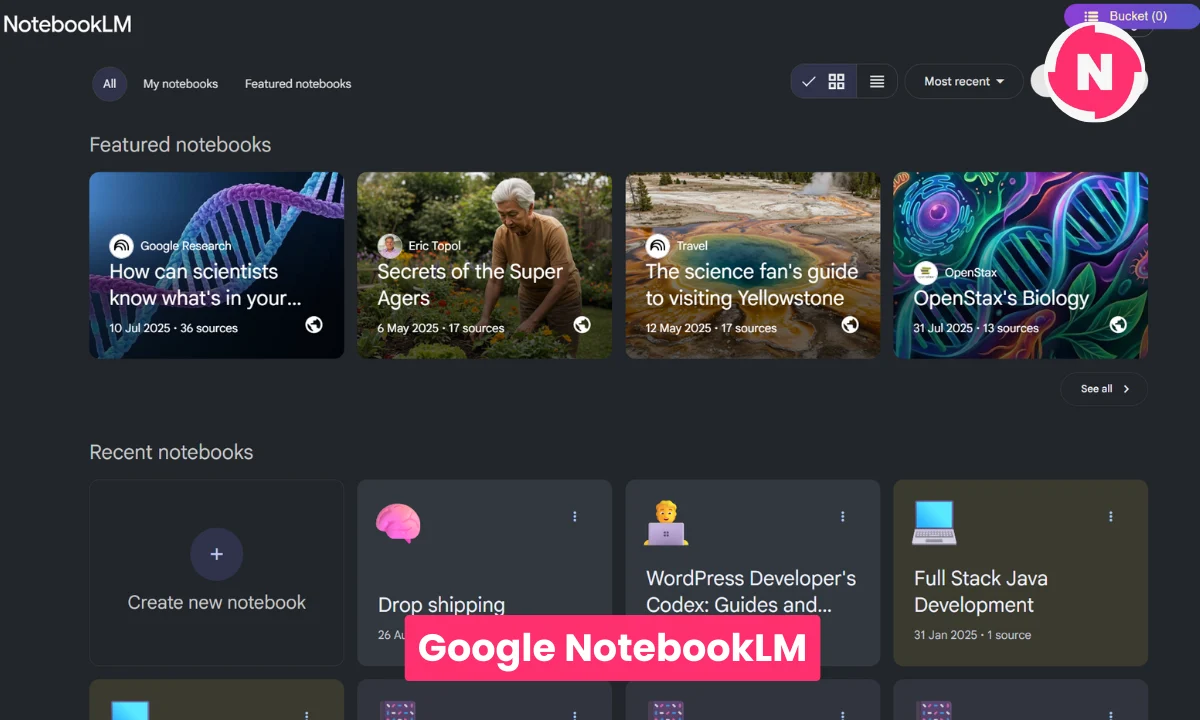
NotebookLM dominates student conversations in 2026. It allows you to upload PDFs, lecture notes, Google Docs, and even YouTube links. The AI then analyzes only your sources and generates summaries, mindmaps, FAQs, and structured study guides.
The breakthrough feature is Audio Overview. It converts your material into a podcast style discussion between AI hosts. Students use this for revision during commuting, walking, or workouts. It supports 50 plus languages, making it powerful for international learners.
Why students like it:
- Generous free access
- Audio overview for passive revision
- Strong document level understanding
- Multilingual support
- Ability to keep adding new sources to refine understanding
Best for:
- Exam preparation
- Research heavy subjects
- Converting messy materials into structured revision content
Cost reality check: It is free for most users, which makes it extremely attractive compared to paid transcription apps.
2. Coconote
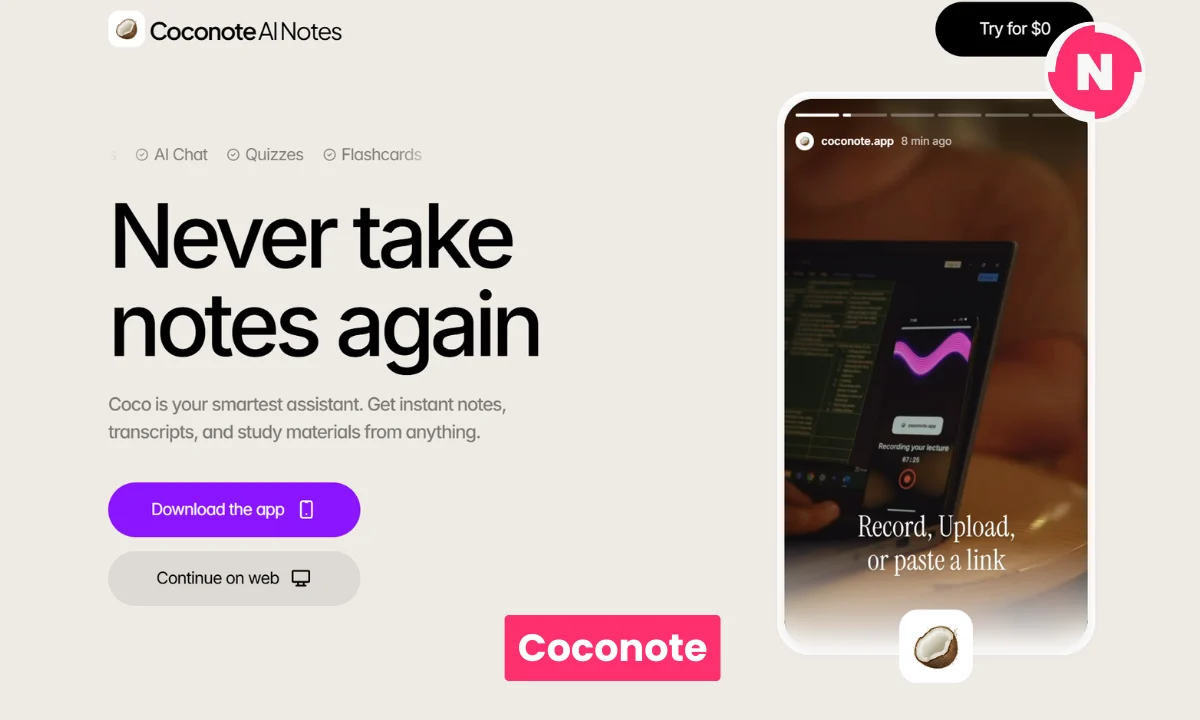
Coconote is designed specifically for live lectures. You record your class, and within minutes it generates organized notes, flashcards, quizzes, and even podcast style summaries.
Many students say it reduces study time significantly. Users with ADHD often highlight how structured outputs improve focus and retention. Instead of re listening to an entire lecture, they jump directly to key sections and auto generated practice questions.
Best for:
- Lecture heavy courses
- Quick flashcard creation
- Immediate quiz generation after class
- Students who want minimal setup
Free plan limits exist, so heavy recording users may need to upgrade.
3. Notion AI
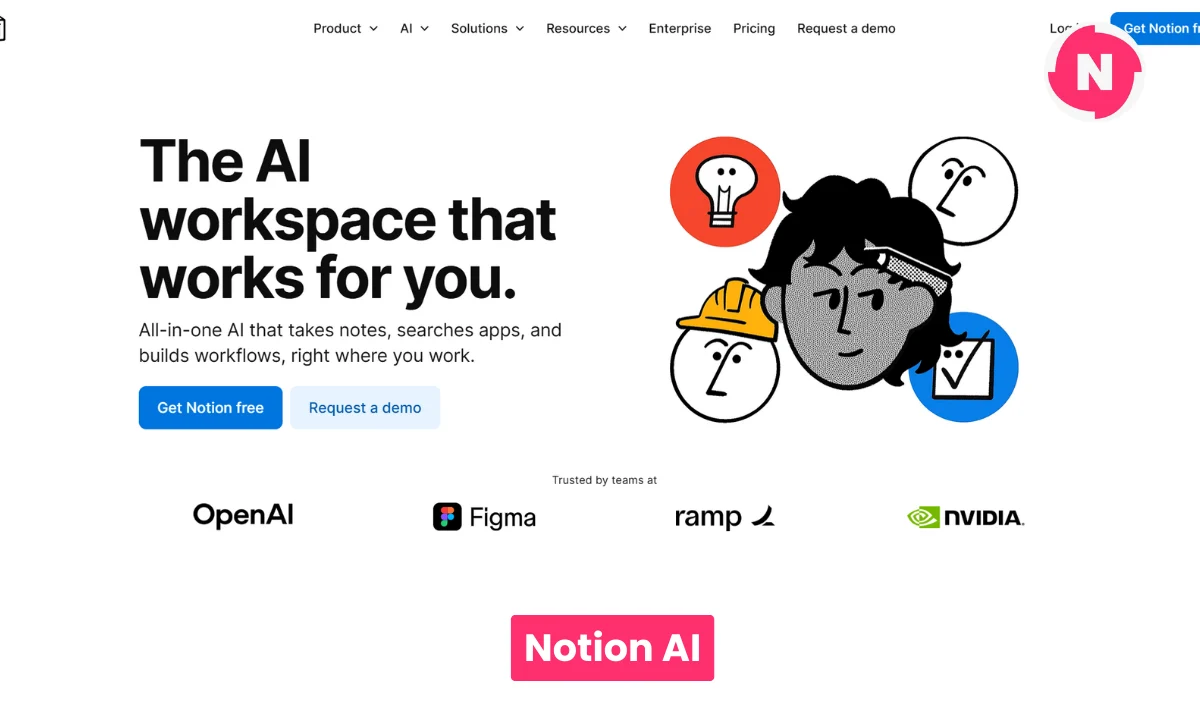
Notion AI works differently. It is less about recording and more about organizing. Students often record elsewhere, then store and refine content inside Notion.
It can:
- Summarize pasted transcripts
- Extract tasks from group project discussions
- Organize subjects into databases
- Answer questions based on stored notes
It is ideal for building a digital second brain that combines tasks, notes, deadlines, and study materials in one place.
Student App Comparison
| App | Flashcards | Quizzes | Audio Overview | PDF Handling | Free Plan | Android | iPhone | Multilingual |
|---|---|---|---|---|---|---|---|---|
| NotebookLM | No native flashcards but strong summaries | Limited | Yes | Excellent | Yes | Web optimized | Web optimized | Strong |
| Coconote | Yes | Yes | Yes | Good | Limited | Yes | Yes | Good |
| Notion AI | Manual setup | Manual | No | Good | Yes | Yes | Yes | Moderate |
Best AI Note Taking Apps For Meetings
1. Otter.ai
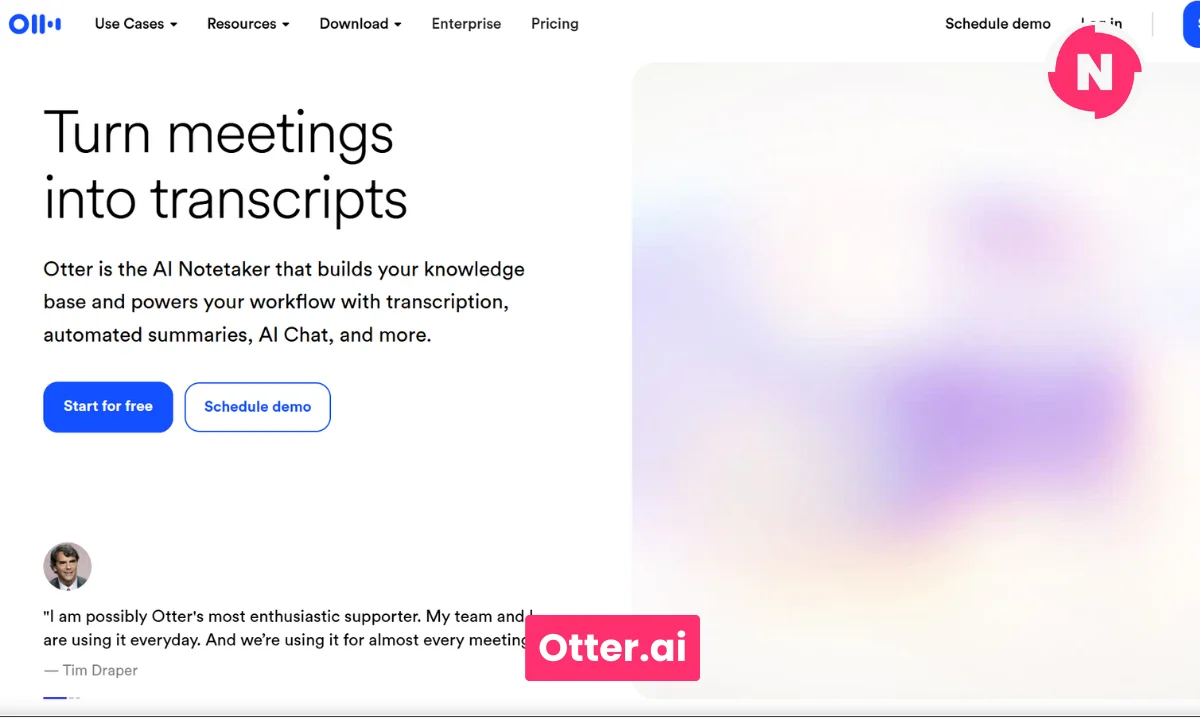
Otter.ai remains one of the most recognized meeting transcription tools. It joins Zoom or Teams calls, records discussions, and generates real time transcripts with speaker identification.
It also extracts action items and highlights key decisions. Teams appreciate its searchable history and shared workspaces. Accuracy is generally strong, though complex accents may require manual correction.
Best for:
- Remote meetings
- Real time transcription
- Team collaboration
- Cross platform mobile usage
Free plans include limited monthly minutes, which heavy users quickly exhaust.
2. Granola
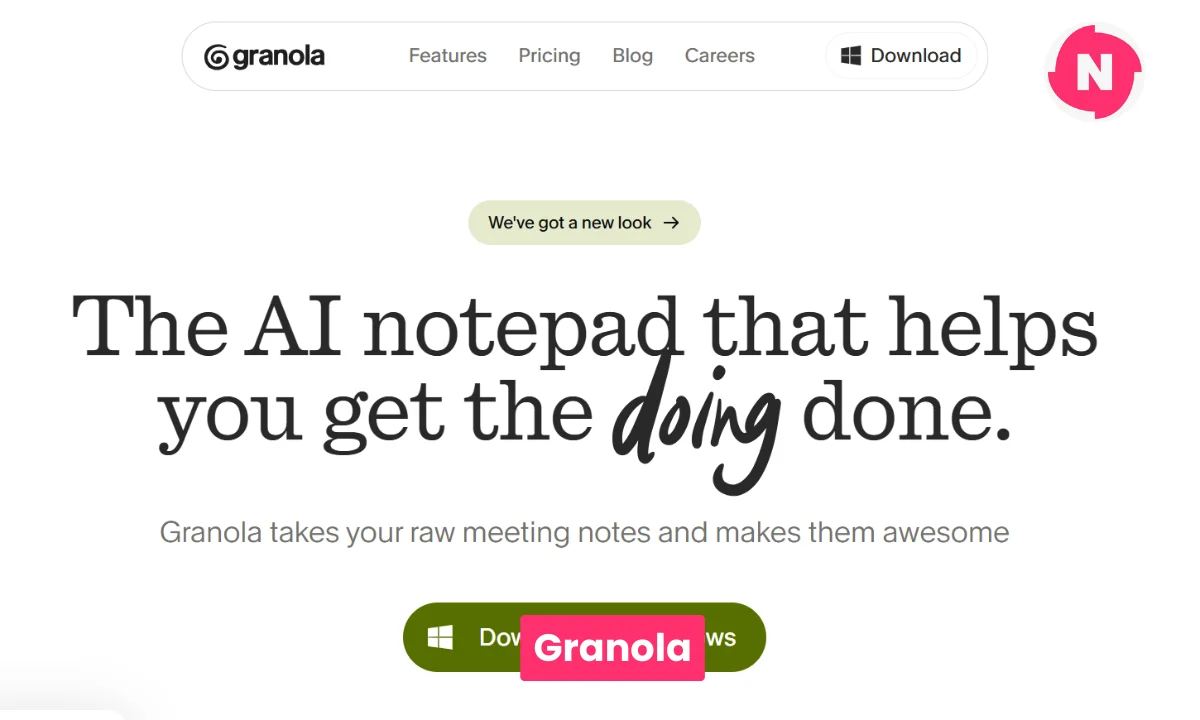
Granola has gained strong buzz in 2026 for a simple reason. It enhances the notes you type instead of sending a visible bot into your meeting. This appeals to privacy conscious users.
You take rough notes during the call. Afterward, Granola structures them into a clean, searchable summary with clear sections and highlights. It feels non intrusive and keeps you present.
Best for:
- Bot free workflows
- Privacy sensitive environments
- Professionals who prefer manual control with AI enhancement
3. Circleback
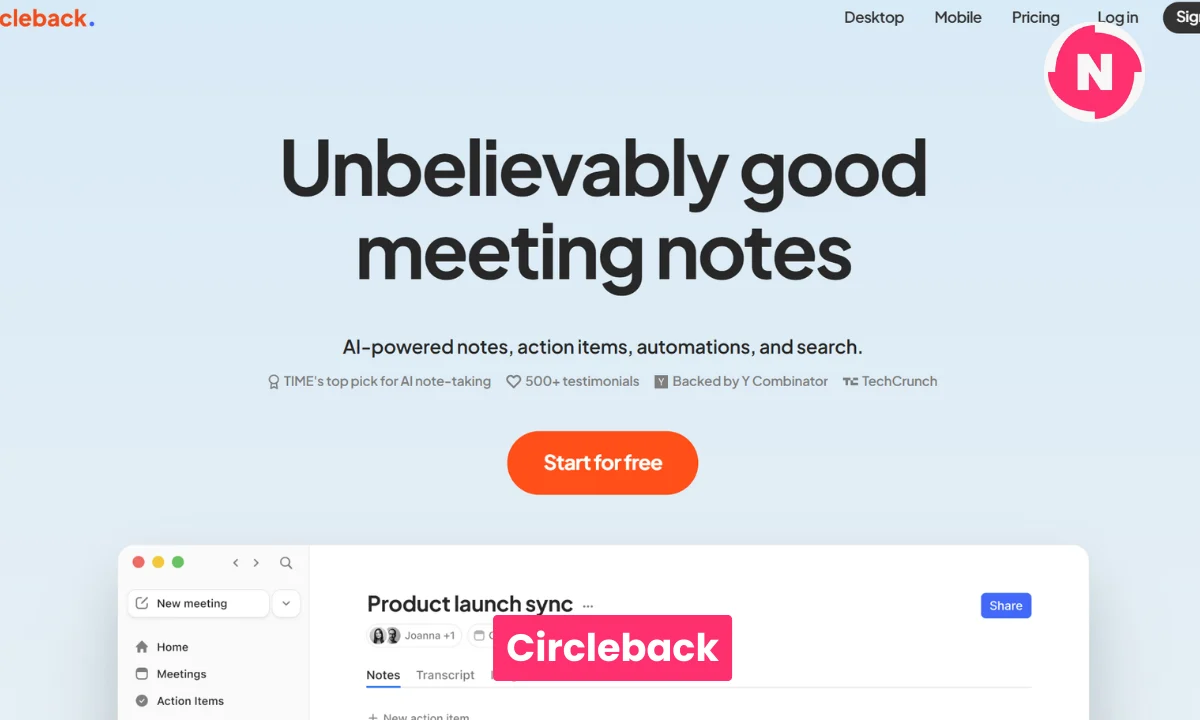
Circleback focuses heavily on accountability. It extracts to do items automatically and organizes follow ups clearly.
Users who manage multiple projects appreciate its task tracking strength. It works well for managers and founders who need structured action summaries after every discussion.
Meeting App Comparison
| App | Real Time Transcription | Action Items | Bot Required | Privacy Focus | Android | iPhone | Offline |
|---|---|---|---|---|---|---|---|
| Otter.ai | Yes | Yes | Often joins call | Cloud based | Yes | Yes | Limited |
| Granola | Enhances typed notes | Limited auto extraction | No | Higher | Web based | Web based | No |
| Circleback | Yes | Strong | Yes | Cloud based | Yes | Yes | Limited |
Best Mobile Experience: Android Vs iPhone
Mobile matters more than ever. Many users record lectures or meetings directly on their phone.
iPhone Strengths
- Apple Notes now supports transcription and AI powered summaries through Apple Intelligence.
- Strong integration with the Apple ecosystem.
- Reliable background recording for lectures.
- Otter and Coconote apps are polished on iOS.
Best for students deeply invested in Apple devices.
Android Strengths
- Deep Google ecosystem integration.
- Google Keep works well for quick capture.
- Google Recorder provides on device transcription on supported devices.
- NotebookLM integrates naturally with Google Drive materials.
Best for users who rely heavily on Google services and cloud syncing.
Cross platform standouts remain Otter and Notion AI.
Public Opinion And 2026 Trends
Recent user conversations highlight several patterns:
- Students praise NotebookLM for turning dense subjects into conversational audio explainers.
- Coconote users mention better focus and faster revision cycles.
- Meeting professionals prefer non disruptive tools like Granola.
- Free access is crucial for students.
- Multilingual support and accent recognition matter for global classrooms.
- Hybrid workflows are common: record on phone, upload to NotebookLM, then organize inside Notion.
The biggest complaint across apps is free tier limits on transcription minutes.
Privacy awareness is also rising. Some users now prefer tools that avoid auto joining bots or that allow more control over stored recordings.
Decision Guide
- Student on a budget: Start with NotebookLM.
- Lecture heavy schedule: Use Coconote for fast flashcards and quizzes.
- Frequent meetings with action items: Choose Otter or Circleback.
- Privacy sensitive meetings: Consider Granola.
- Heavy iPhone user: Test Apple Notes first, then expand.
- Android user in Google ecosystem: Combine Google Recorder with NotebookLM.
Quick Start: Test Any App In 15 Minutes
- Record a 10 minute lecture or meeting.
- Upload or sync it.
- Check summary quality.
- Look at action items or flashcards.
- Test search.
- Review free plan limits.
- Check export options.
- Evaluate privacy settings.
If it saves real time immediately, it is worth deeper use.
Final Verdict
If you are a student, Google NotebookLM and Coconote offer the strongest transformation for study workflows. They convert raw lectures into structured learning materials, audio explainers, and revision tools.
If you attend frequent meetings, Otter.ai and Circleback provide reliable transcription and action tracking. Granola stands out for non intrusive AI enhancement.
There is no single best AI note taking app for everyone. The right choice depends on whether you prioritize study efficiency, meeting productivity, privacy, or ecosystem integration. Many users combine two tools for maximum effectiveness.
Test free tiers carefully. Watch transcription limits. Focus on workflow compatibility, multilingual support, and mobile experience on Android or iPhone.
Tags: best ai note taking app for students, best ai note taking app for meetings, ai note taking app android, ai note taking app iphone, google notebooklm review, otter ai meeting notes, coconote app, circleback ai
Related Posts :



Share This Post